
Phone login not active, agent cannot take calls
Agent logged in but their phone endpoint didn't register, no audio path, no calls route.
Symptoms
- •Agent shows logged in but immediately disconnects
- •`sip show peers` doesn't show the agent's extension registered
- •Agent interface shows 'Waiting for call' indefinitely
Common causes
- •WebRTC registration failed (certificate issue, STUN issue)
- •Softphone credentials wrong for this phone_login
- •SIP ALG on agent-side router breaking REGISTER
- •Phone_login record exists but is inactive in vicidial_phones
How to fix it
- 1In agent interface, click 'Hangup & Logout' then login fresh
- 2Verify phone_login: `SELECT active FROM vicidial_phones WHERE extension='YOUR_EXTEN'`
- 3Check WebRTC console log in browser developer tools for registration error
- 4Try a different browser to rule out local TLS certificate issues
VICIPanel diagnostic for: Phone login not active, agent cannot take calls
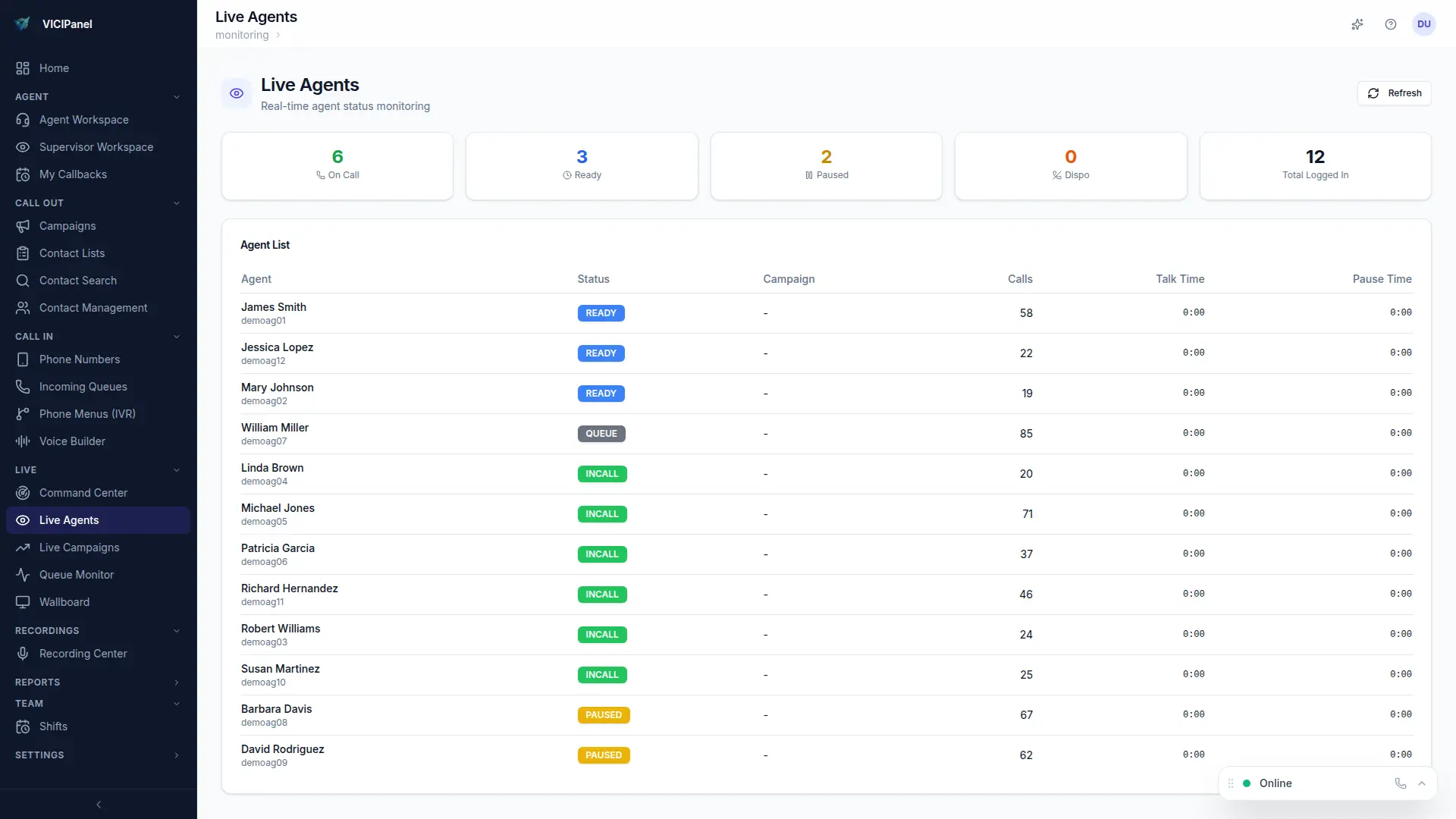
How VICIPanel helps
VICIPanel's WebRTC softphone includes built-in diagnostics, the agent sees registration status, STUN connectivity, and audio permissions in one panel.
Stop troubleshooting. Start operating.
VICIPanel's health dashboard catches most of these issues before they impact your agents, with plain-English diagnostics and one-click remediation.