
Leads that actually sync both ways.
The rest of the dialer industry ships one-way CRM exports and calls it a feature. We built real bi-directional adapters for the five CRMs most of our customers use. Connect with OAuth, map fields in the UI, and watch leads flow both ways in seconds.
Connect with OAuth, map fields once, stop thinking about it
Every adapter speaks the same internal interface, so adding a sixth CRM is a few days of work rather than a quarter. If you need one we haven't built yet, tell us.
POST/PATCH /sobjects/LeadPOST/PATCH /crm/v3/objects/contactsPOST/PUT /crm/v6/LeadsPOST/PUT /v2/leadsPOST/PUT /v1/personsReal-time webhooks, signature-verified.
Leads created or updated in the CRM appear in VICIPanel within seconds. Each connection has its own HMAC webhook secret auto-generated on connect.
Push to CRM on every change.
Every lead change in VICIPanel fires a push. We hash what we sent last time, so if nothing actually changed we skip the call entirely. Keeps your CRM happy and your rate limits intact.
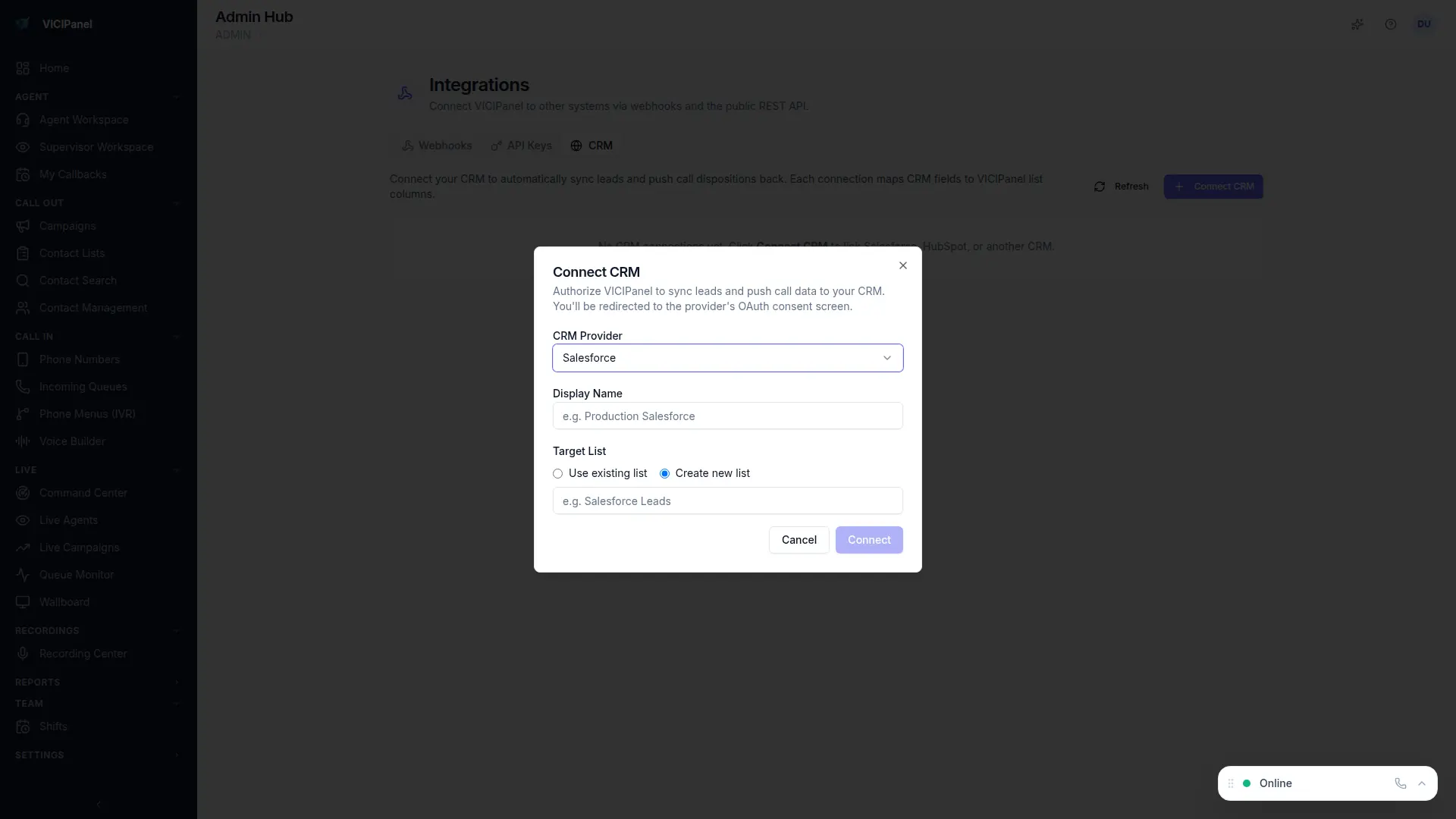
Field mapping in the UI, not a YAML file.
Edit your field map inline. Drag, drop, pick source and target fields, apply. The sync engine picks up your changes on the next push. Nobody touches a config file.
Move your leads in one shot
Lead migration is a $999 flat fee. We map the fields, validate the data, import into your tenant, and reconcile CRM source IDs so round-trip sync works from day one.