
Call recording not starting
Expected call recordings don't exist on disk after the call completes.
Symptoms
- •Supervisor cannot find expected recording file
- •Campaign set to full-recording but files not appearing
- •Some calls have recordings, others don't
Common causes
- •Recording directory permissions wrong
- •Disk full on recording partition
- •`campaign_rec_exten` not set correctly
- •AMD triggered voicemail drop before recording started
How to fix it
- 1Verify recording directory: `ls -la /var/spool/asterisk/monitor`
- 2Check disk: `df -h /var/spool/asterisk/monitor`
- 3Verify campaign_rec_exten matches a valid extension in extensions.conf
- 4Review recording_override settings in campaign
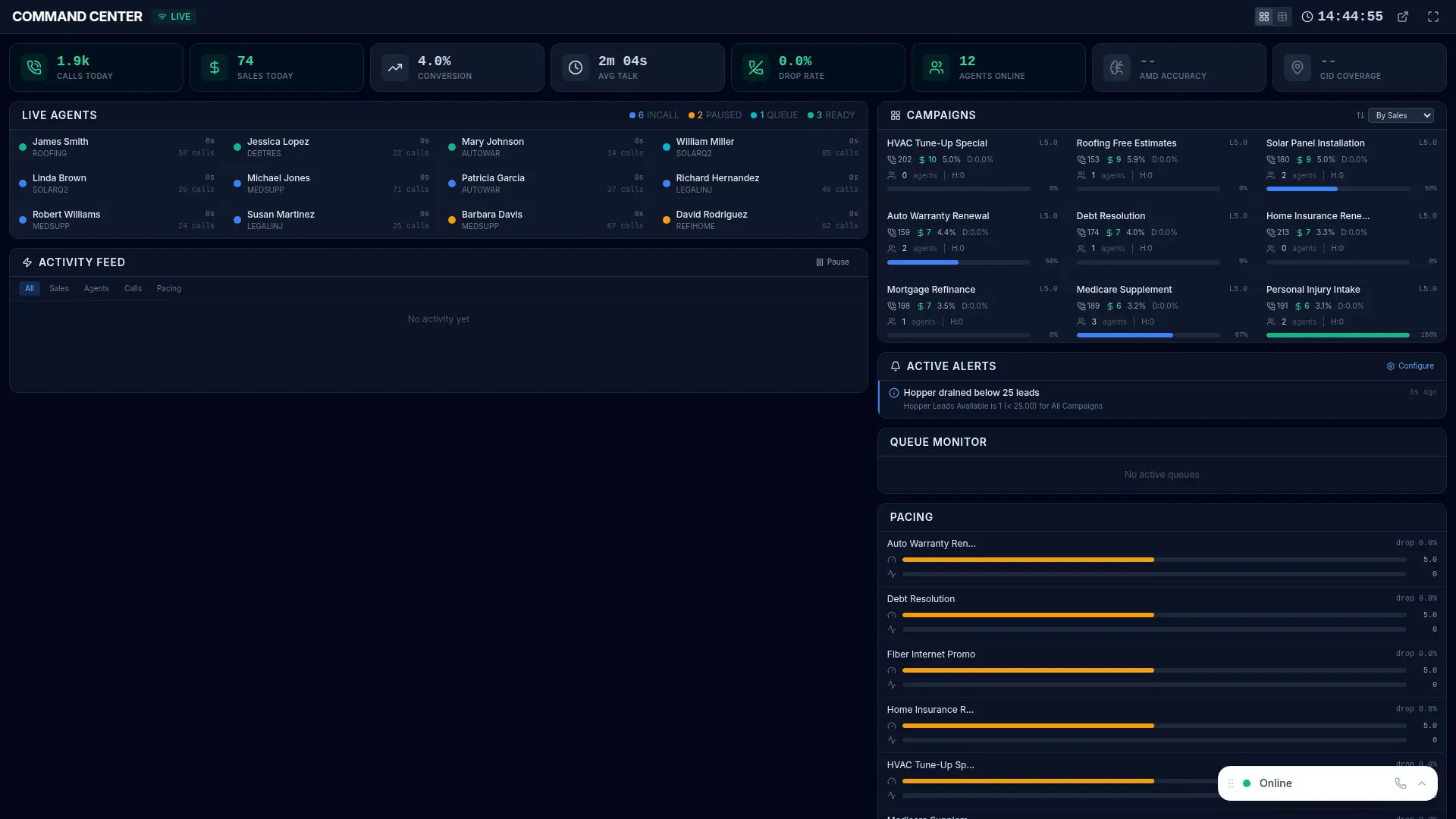
VICIPanel's recording health check runs hourly; missing recordings are flagged with the likely cause (disk, perms, config) rather than silent failure.
More Asterisk errors
Asterisk not running on the dialer box
The Asterisk process is dead, no calls can be placed or received until it's restarted.
Campaign dial level stuck at zero
Campaign auto-dial level drops to 0 and never recovers, dialing stops.
Dial prefix invalid for campaign
Campaign is configured with a dial prefix that doesn't match any Asterisk dialplan extension, every dial fails instantly.
Hopper empty, dialing paused
The pre-dial lead cache is empty and the fill cron hasn't run, dialing stops until new leads enter the hopper.
Stop troubleshooting. Start operating.
VICIPanel's health dashboard catches most of these issues before they impact your agents, with plain-English diagnostics and one-click remediation.