
VICIdial worker process not running
One of VICIdial's background daemons (AST_send_listen, AST_update, etc.) has died.
Symptoms
- •Dialing works but reports are stale
- •Agent status changes don't propagate to supervisor view
- •Call dispositions don't save or save with huge delay
Common causes
- •Perl process crashed (usually memory leak or stuck DB query)
- •/etc/init.d/vicidiald not enabled at boot
- •Unexpected log rotation killed the process without restart
How to fix it
- 1Check running daemons: `ps aux | grep AST_`
- 2Expected processes: AST_send_listen, AST_update, AST_manager_kill_hung_congested, AST_VDauto_dial
- 3Restart via init script: `service vicidiald restart`
- 4Tail `/var/log/astguiclient/` logs to see what crashed
VICIPanel diagnostic for: VICIdial worker process not running
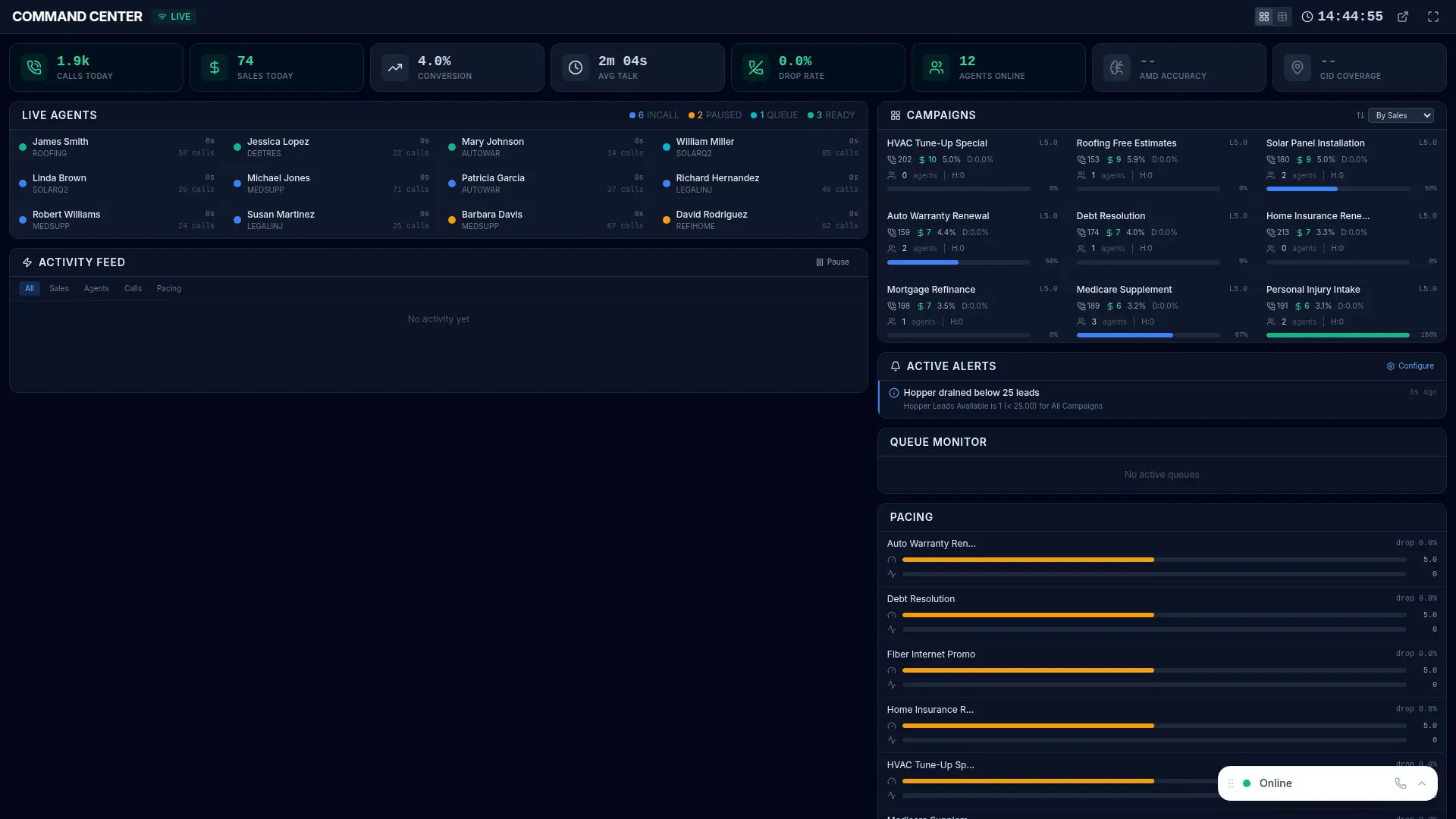
How VICIPanel helps
VICIPanel monitors every VICIdial daemon and alerts on death within 30 seconds. Restart is one-click from the NOC dashboard.
Related issues
More Asterisk errors
Asterisk not running on the dialer box
The Asterisk process is dead, no calls can be placed or received until it's restarted.
Campaign dial level stuck at zero
Campaign auto-dial level drops to 0 and never recovers, dialing stops.
Dial prefix invalid for campaign
Campaign is configured with a dial prefix that doesn't match any Asterisk dialplan extension, every dial fails instantly.
Hopper empty, dialing paused
The pre-dial lead cache is empty and the fill cron hasn't run, dialing stops until new leads enter the hopper.
Stop troubleshooting. Start operating.
VICIPanel's health dashboard catches most of these issues before they impact your agents, with plain-English diagnostics and one-click remediation.