- 1
Go Ready
Click the Ready button. You're in the dialer's queue now.
- 2
Wait for a call (usually 5-30 seconds)
The dialer routes a call to you when one connects. Screen pops with lead details, name, number, any CRM data linked.
- 3
Greet using the script
Script appears in the main panel. Stick to it for the first few calls; iterate once you have a feel.
- 4
Work the call
Update notes in the Notes field as you go. Use the Transfer button if the caller needs a specialist.
- 5
Disposition
When the call ends, pick a disposition. Common ones: SALE, CALLBK, NI, DNC. Required before the next call.
- 6
Wrap time
Brief after-call work window, usually 10-30 seconds. Use it to update CRM or take notes.
- 7
Back to Ready automatically
After wrap, you're re-queued for the next call.
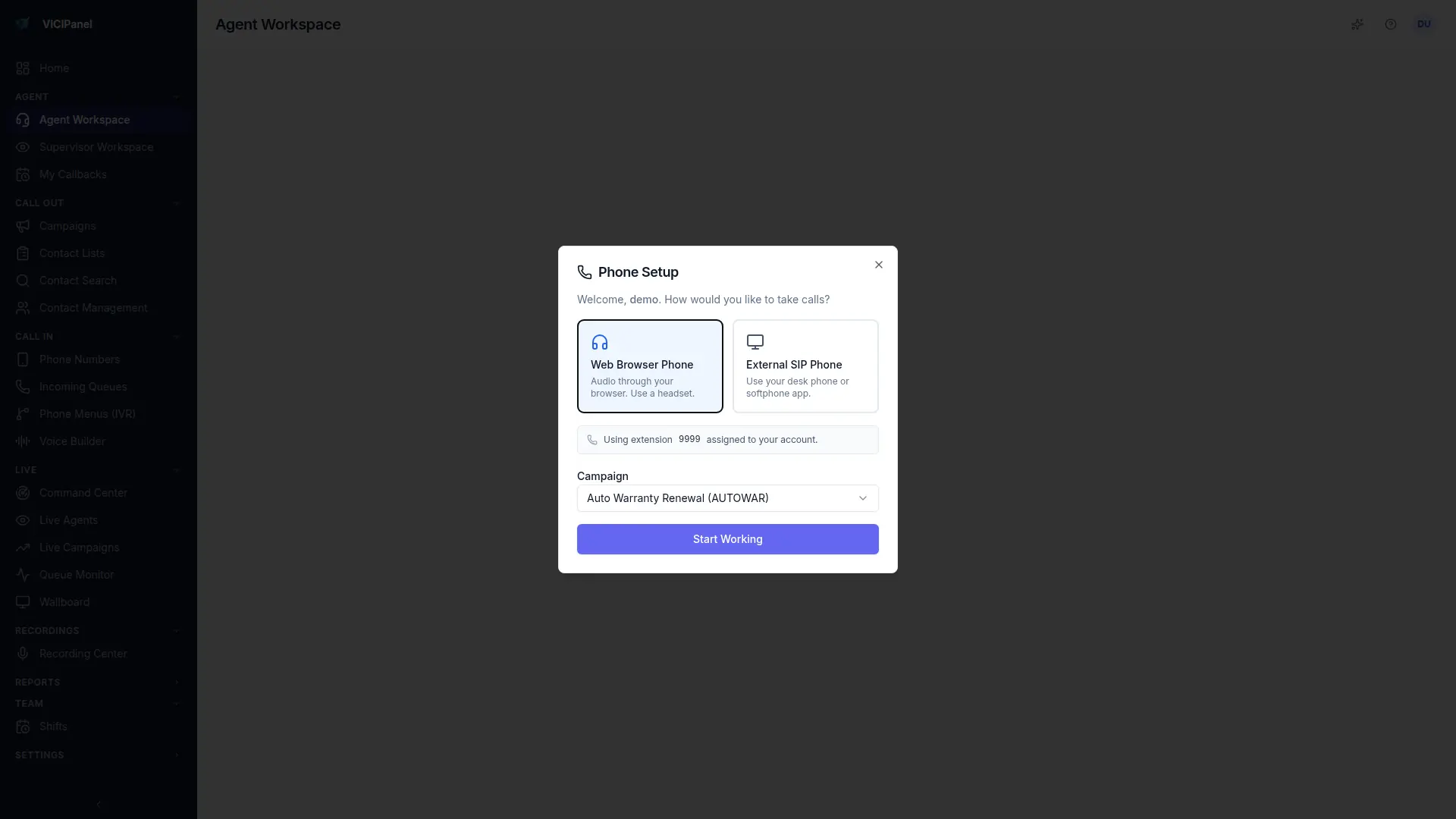
Agent Workspace, phone setup with WebRTC or external SIP