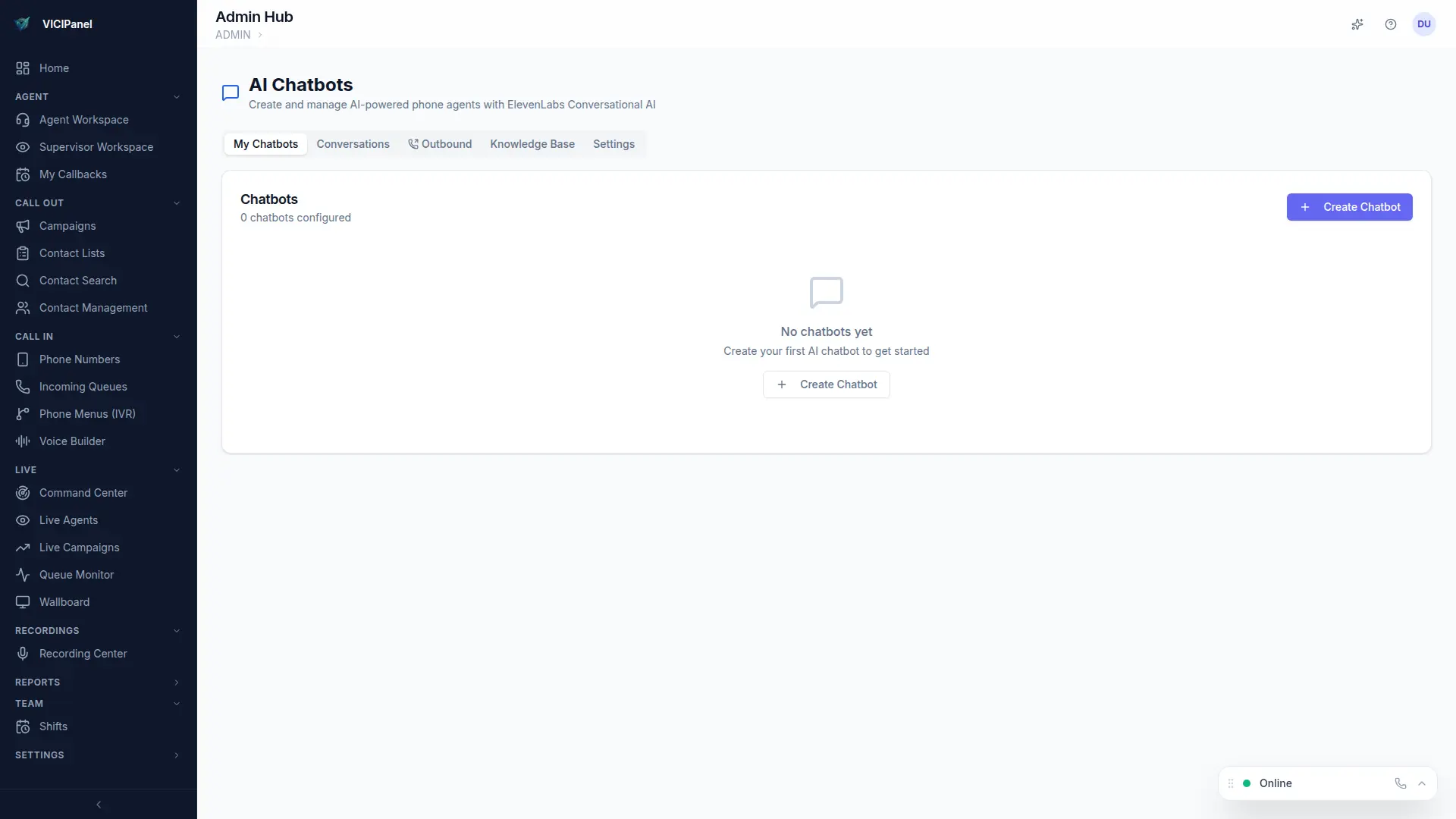
VICIPanel's voice chatbots are full conversational AI agents that pick up inbound calls, hold real conversations, and transfer to a live agent when conditions match. Built on ElevenLabs' conversational AI with deep Asterisk integration.
When to use a chatbot
- After-hours pickup (handle FAQs and scheduling when agents are offline)
- Pre-qualification (collect intent + basic info before routing to an agent)
- Simple FAQ handling (support calls that don't need a human)
- IVR replacement (replace 'press 1 for sales' with natural conversation)
Quick setup
- 1
Admin → Chatbots → New
Create a chatbot. Pick a name and description.
- 2
System prompt
Write the instructions. 'You are a receptionist for ABC Corp. Greet callers, answer questions about our services, transfer to a live agent if they ask for sales.' Keep it clear and bounded.
- 3
Pick a voice
ElevenLabs library, pick a voice that matches your brand. Stability and similarity are tunable.
- 4
Assign to an inbound DID
Connect the chatbot to one of your phone numbers. Inbound calls on that number now go to the chatbot.
- 5
Test
Call the DID from your cell phone. The chatbot picks up. You have a conversation. Transfer conditions fire when your system prompt decides.