
Connecting AI to your dialer is powerful, it's also a new attack surface. VICIPanel's MCP implementation takes security seriously. Here's what you get out of the box.
Authentication
- OAuth 2.1 with Dynamic Client Registration (PKCE-protected), recommended for team use
- Bearer tokens with mcp_ prefix, simpler, good for personal or CI use
- Both methods respect the user's VICIPanel permission level at every tool call
Authorization
Every tool call is authorized against the caller's user level. An Agent-level token cannot run Manager-level tools, cannot list other agents' data, cannot modify campaigns. If a tool needs Admin (L9), only an Admin token can run it.
Rate limiting
Standard tools: 60 requests per minute per token. Destructive tools: 10 per minute. Heavy compute tools (report generation): 5 per minute. Exceeding limits returns a standard 429 response with Retry-After header.
Session and token lifecycle
- OAuth session TTL: 30 minutes idle, 8 hours maximum
- Concurrent sessions per user: 100
- Bearer token expiry: configurable per token at generation time
- Revocation: instantaneous, revoked tokens stop working within seconds
Audit log
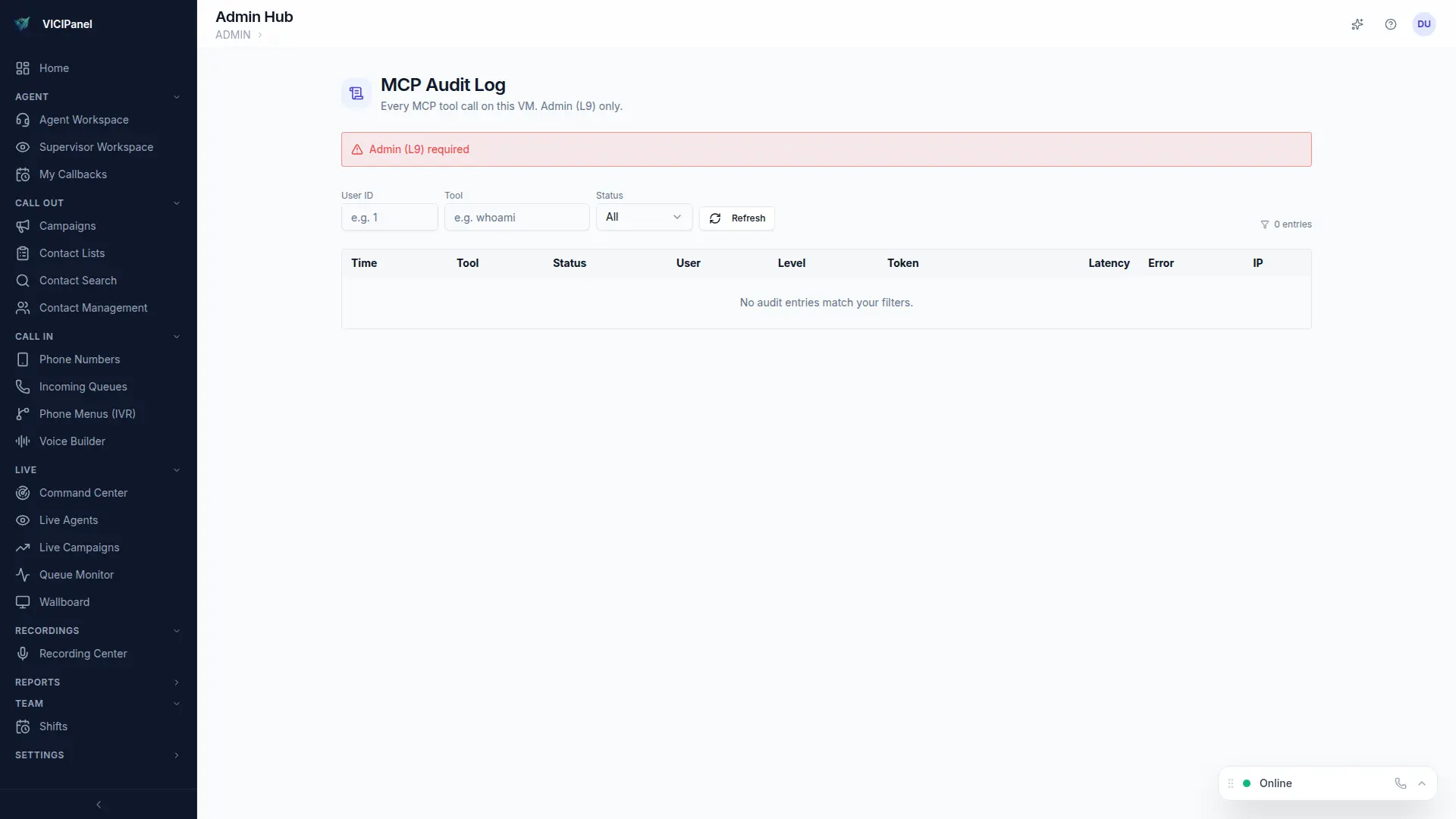
Every MCP request writes a structured audit entry: user, token, timestamp, tool called, arguments (PII redacted), result status, and response time. Admins can search, filter, and export the audit log for compliance reviews.
Don't share personal tokens
A personal token is tied to your user. If you share it with a teammate, their actions look like yours in the audit log. Use OAuth with DCR for team access, each user carries their own identity.